AI in the Workplace: The Benefits, the Risks, and Who Owns It
February 19, 2025
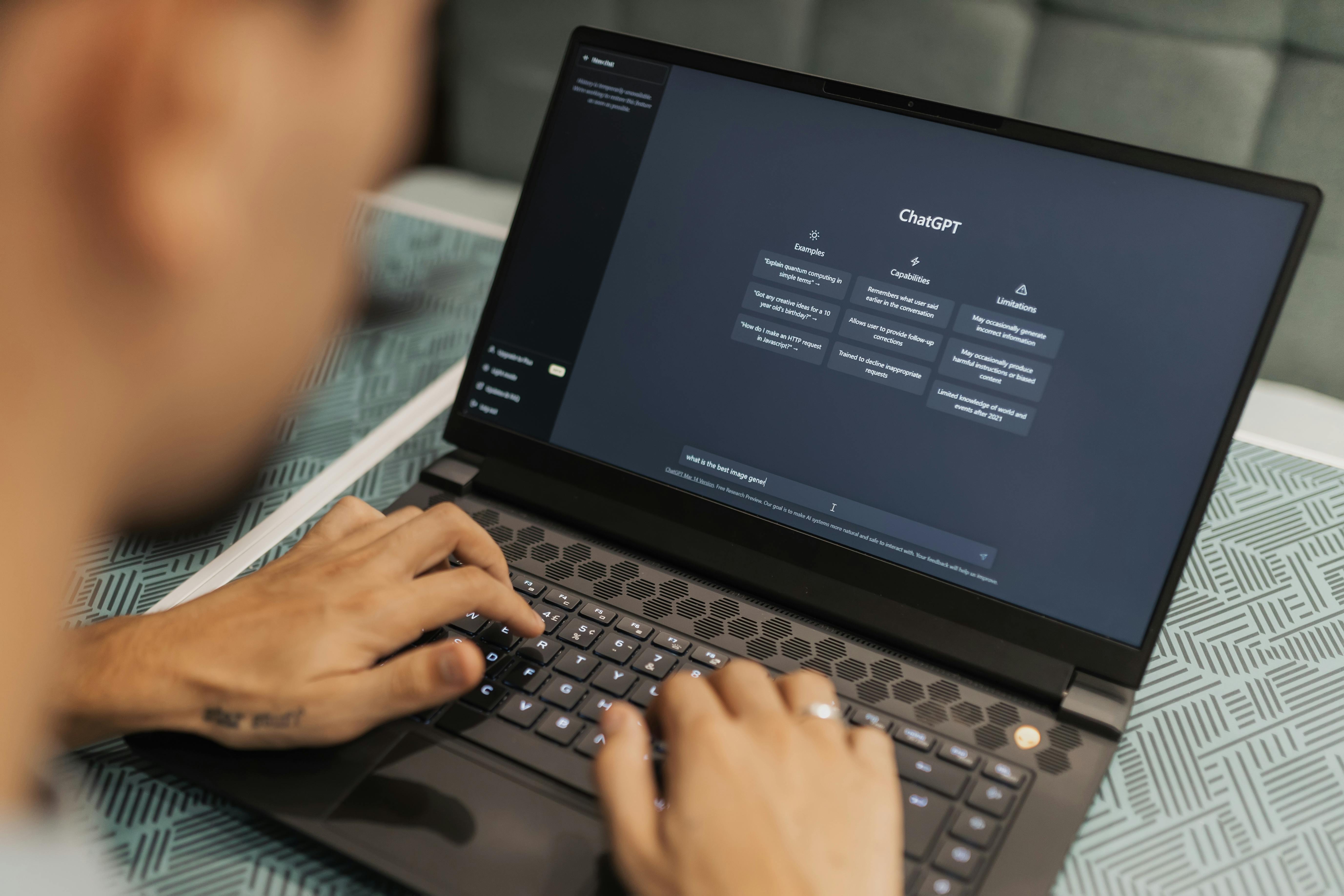

Most companies adopting AI in the workplace have no rules for it. Gallup found that 44% of workers say their organization has begun integrating AI, but only 22% say their organization has communicated a clear plan, and just 30% say there are any general guidelines or formal policies for using AI at work. Frequent AI use among white-collar workers hit 27% in 2025, up 12 percentage points in a single year.
That gap between how fast AI arrives and how slowly anyone takes responsibility for it is the real story of AI in the workplace. Adoption is not the hard part anymore. Ownership is. This guide covers the benefits that hold up, the risks most rollout plans ignore, what AI can and cannot do by business function, and who in your company should be accountable for the output.
AI in the workplace is worth judging on two questions at once: what it genuinely does better than a person, and what it quietly breaks when nobody is watching it. Both lists below are short on purpose. A long list of vague benefits is how AI projects get approved and then stall.
Automation streamlines workflows and reduces manual tasks, so teams spend their hours on work that needs judgment. In remote settings, AI also closes some of the coordination gap that distance creates.
The drawbacks that matter are not learning curves and glitches. They are the four below, and each of them is a governance problem rather than a technology problem.
The useful question is not whether to use AI, but where the handoff sits. This table splits the seven functions where AI in the workplace lands first, and names who owns the result in each one.
| Function | What AI handles well today | What still needs a person |
|---|---|---|
| Customer service | First response, ticket routing, answering documented questions | Angry customers, refunds and exceptions, anything with a policy judgment |
| Data and reporting | Pulling, joining and summarizing data; drafting the recurring report | Deciding which numbers matter and catching a figure that is wrong |
| HR and recruitment | Screening against stated criteria, scheduling, drafting job posts | Interviews, reference checks, and every hiring decision |
| Marketing and sales | First drafts, campaign variants, list segmentation, CRM hygiene | Positioning, claims accuracy, and anything published under your name |
| Finance | Categorization, reconciliation prep, forecast scenarios | Sign-off, exceptions, and any number that leaves the company |
| Project management | Status roll-ups, task creation from notes, deadline flags | Priority calls and the conversations that unblock people |
| Cybersecurity | Anomaly detection, log monitoring, alert triage | Incident response and the decision to shut something down |
Read the right-hand column again. Every one of those items is a recurring job, not a one-time setup. That is why AI adoption tends to increase the need for a specific kind of worker rather than remove it: someone who runs the automation, reviews what it produces, and owns the number when it is wrong.
Remote teams get more out of AI than co-located ones, because most of what AI does well is exactly what distance makes expensive: writing things down, summarizing, routing and keeping records current. Here is what that looks like function by function.
AI-powered chat handles documented questions around the clock and routes the rest. The gain is in first-response time, not in resolution. Keep a person on escalations and review the transcripts weekly, because the questions AI answers badly are the ones your documentation does not cover yet.
AI tools analyze large datasets and produce the recurring report without manual assembly. Have someone check the inputs before anyone acts on the output. A report that is fast and wrong is more expensive than one that is slow.
From screening applications against stated criteria to scheduling interviews, AI removes the scheduling and sorting load from hiring. It does not judge candidates. This matters most in remote hiring, where volume is high and the signal is thin. Virtustant runs this combination on its own recruitment: AI-assisted sourcing and screening, with recruiters and live interviews making every decision. Of every 100 applicants, 22% pass the recruiter screen, 9% clear cognitive (IQ), skills and English testing, 3% reach a live interview, and 1% are hired. Applicants and candidates pay Virtustant nothing: there are no fees to apply, to be placed, or to stay placed.
AI drafts copy, builds campaign variants and keeps CRM records clean. It should not be the last set of eyes on anything published under your brand, because claim accuracy is the one thing it cannot check. Hiring for that work is covered in our guide to hiring LATAM marketing talent.
AI automates categorization, reconciliation prep and forecast scenarios. Sign-off stays human. Every figure that leaves the company should have a name attached to it.
AI turns notes into tasks, rolls up status and flags slipping deadlines, which removes most of the administrative overhead of running distributed work. Prioritization is still a conversation.
AI-powered monitoring detects anomalies in real time across remote environments. Someone still has to be reachable when an alert fires, and empowered to act on it.
Successfully introducing AI in the workforce is mostly sequencing. These five steps are in order for a reason.
Most AI rollouts stall at step 4. The tools get bought, the pilot works, and then nobody has the hours to run it. Automation does not maintain itself: prompts drift, integrations break, output quality degrades quietly, and the review that was supposed to happen weekly stops happening in month two.
This is an operations staffing question disguised as a technology question. The work is real and recurring: monitoring the automations, reviewing what they produce, fixing what breaks, and keeping the policy current as tools change. It usually does not need a senior engineer. It needs someone reliable, in your time zone, whose job it is.
That is the combination Virtustant staffs. Virtustant has placed remote professionals for US client companies since 2021, from $7/hr all-in with zero placement fees, and clients save up to 70% on roles like marketing, where the US median hourly wage is $37.87 (BLS, May 2025). Because Virtustant recruits across Latin America, professionals work US business hours, so they can monitor and refine AI workflows during your day rather than reporting on them the next morning. See what the roles cost at Virtustant's pricing, or start with the virtual assistant role page if the work is mostly review and coordination.
Ready to put a name on your automations? Schedule a consultation with Virtustant.
The pattern in Gallup's data is worth sitting with: frequent AI use among white-collar workers nearly doubled in two years, while the share of workers who have any policy governing that use stayed at 30%. The companies that will be fine are not the ones with the best tools. They are the ones where somebody is accountable for what the tools produce.
So the practical version of future-proofing is unglamorous. Write the policy. Automate two processes properly instead of ten badly. Put a named person on each one. Review it quarterly. Virtustant handles the staffing half of that, including payroll and the paperwork, alongside staff augmentation services when a team needs to grow around its automations rather than in spite of them.
Yes, within stated rules. The problem is that most companies have not stated any: Gallup found only 30% of workers say their organization has general guidelines or formal policies for AI use. Acceptable use means naming approved tools, defining what data must never be entered into them, and requiring human review before AI output reaches a customer, a regulator or a financial record.
Seven land first: customer service, data and reporting, HR and recruitment, marketing and sales, finance, project management, and cybersecurity. In every one of them AI handles the routine volume and a person owns the exceptions and the sign-off. Most companies see the fastest wins by automating one or two repetitive workflows properly rather than attempting all seven at once.
No, and in practice it changes what they do. AI removes repetitive tasks while people handle judgment, relationships, exceptions and accountability for the output. The strongest results come from pairing automation with skilled remote staff; Virtustant has worked since 2021 with US client companies that combine AI tooling with human oversight instead of replacing one with the other.
Start with a pilot of one or two processes, write the usage policy before the rollout, train your team on the tools, then scale what measurably worked. Communicating early matters: teams that understand which specific tasks are going away, and what they will do instead, adopt new workflows faster and with far less resistance than teams left to guess.
One named person per automated workflow, accountable for its output. In companies without a dedicated operations hire, this usually lands on a founder by default and then quietly stops happening. Assigning it to a specific role, even a part-time one, is what separates an automation that keeps working from one that degrades unnoticed.
Yes. LATAM professionals work US business hours, so they can implement, monitor and refine AI workflows in real time alongside your team rather than on a lag. Through Virtustant, a vetted shortlist arrives within 48 hours and your hire can start in 72 hours. Compare what AI-capable remote talent costs at Virtustant's pricing, from $7/hr all-in with zero recruitment fees.